Feedie
View on Github
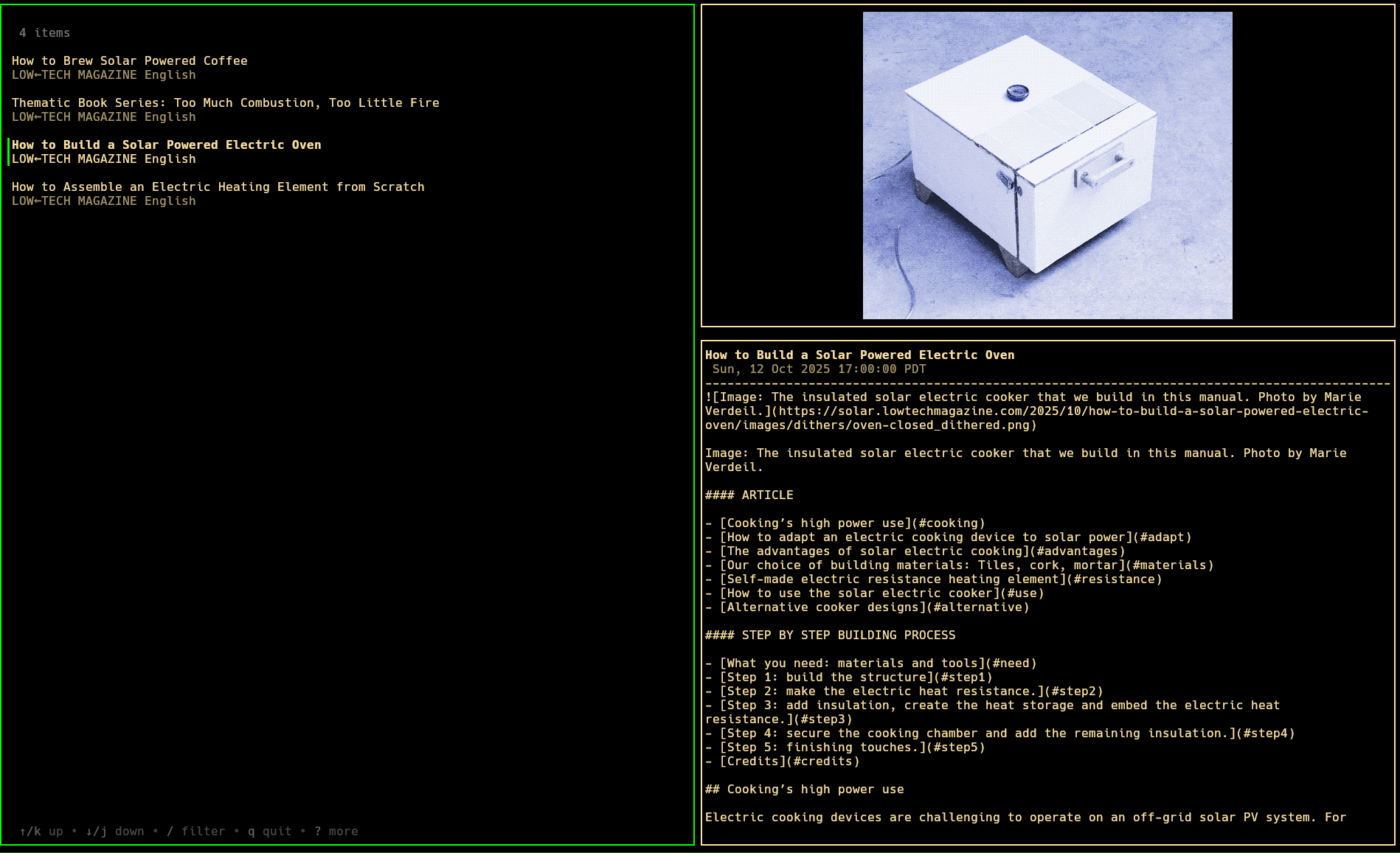
A TUI RSS feed reader with thumbnail support
Getting started
- Clone the git repo
- Run "go build" within the server and client directories
- Configure the server and start it
- Launch the client to obtain the default configuration, then close it
- Modify the default configuration file to your content
- Add feeds
- Read your feeds :)
Client
Select page
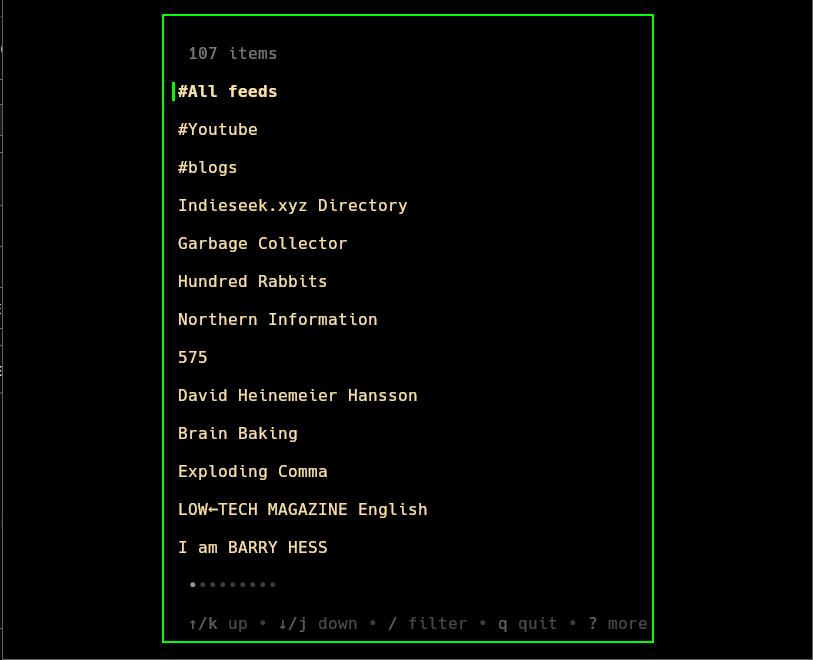
Select the feed or tag you want to view feeds for.
- Press enter on any tag/feed to pull up the respective entries page
-
Press "a" to launch the add feed dialog
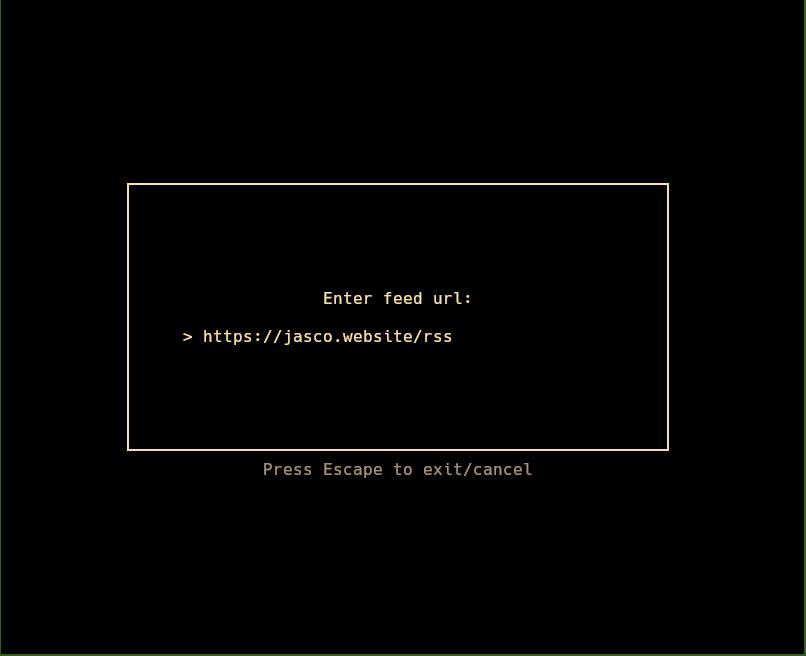
type or paste in the desired feed url and it will be added to your list of feeds.
-
Press "t" to launch the add tag dialog
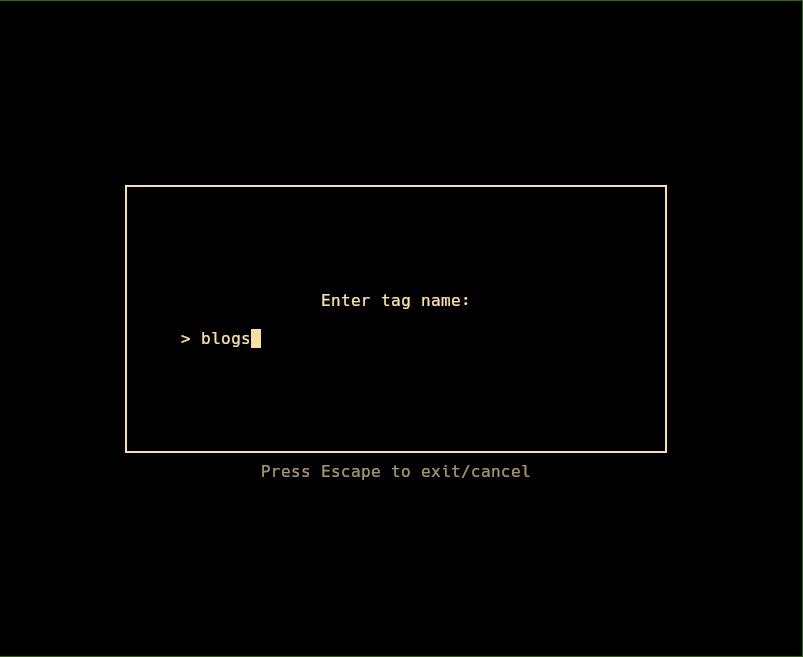
This adds the tag in the top section of the select page, it will automatically prompt you to add feeds following creation.
-
Press "d" to launch the delete tag/feed dialog
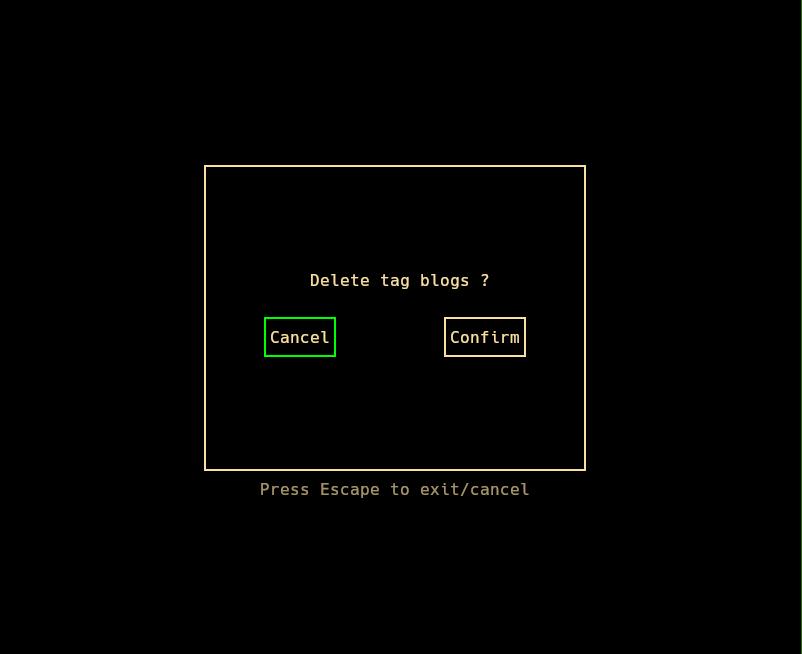
Select confirm or cancel, to save yourself from accidental deletions.
-
Press "T" to launch the modify tag dialog
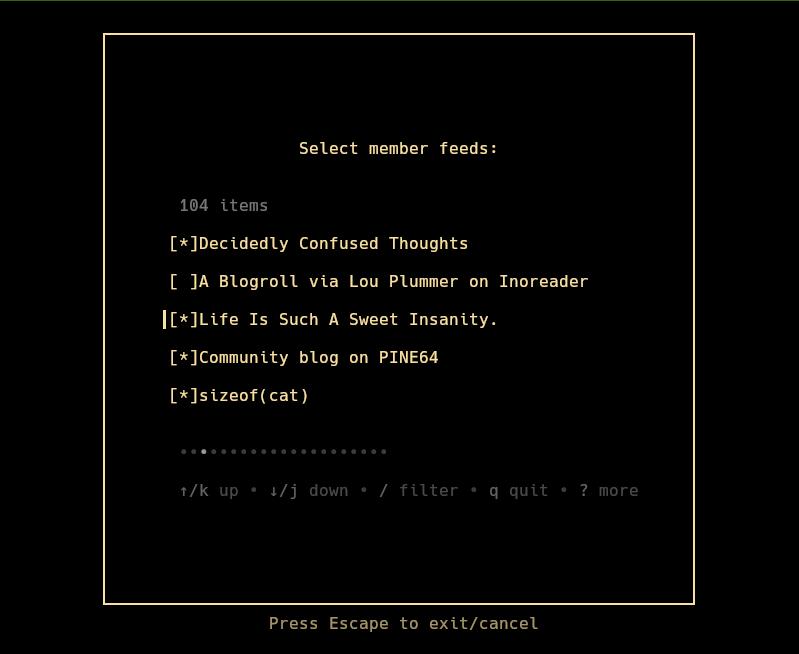
Select which items appear in the tag with the space key, pressing enter will add/remove the feeds in the list.
Entries page
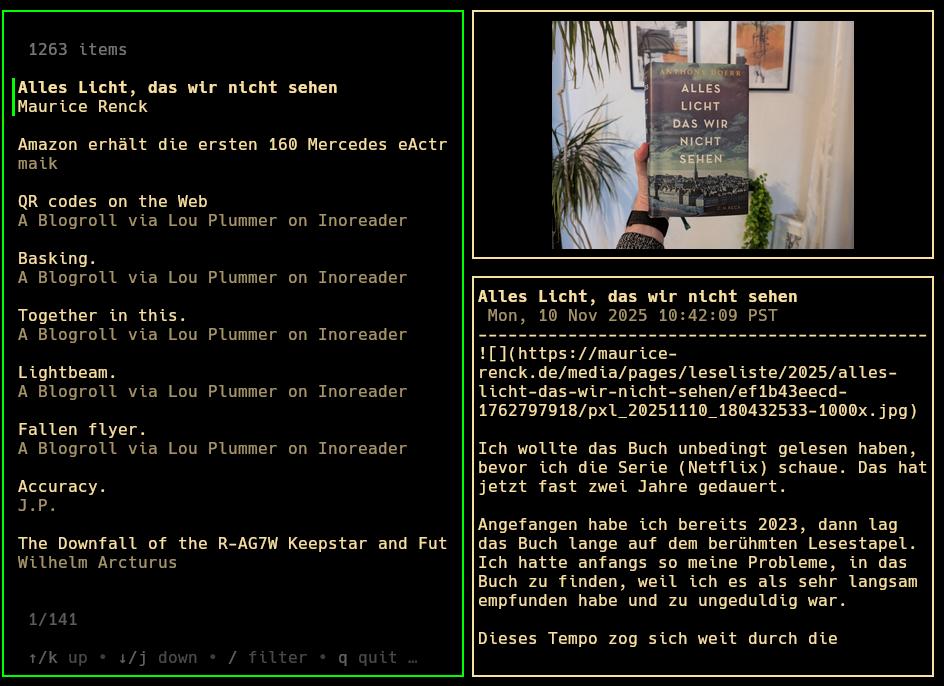
Browse entries in the tag or feed.
- Press enter on any entry to open with the default opener, or it's specified program within the type or url opener
-
Press "o" to launch the link open menu
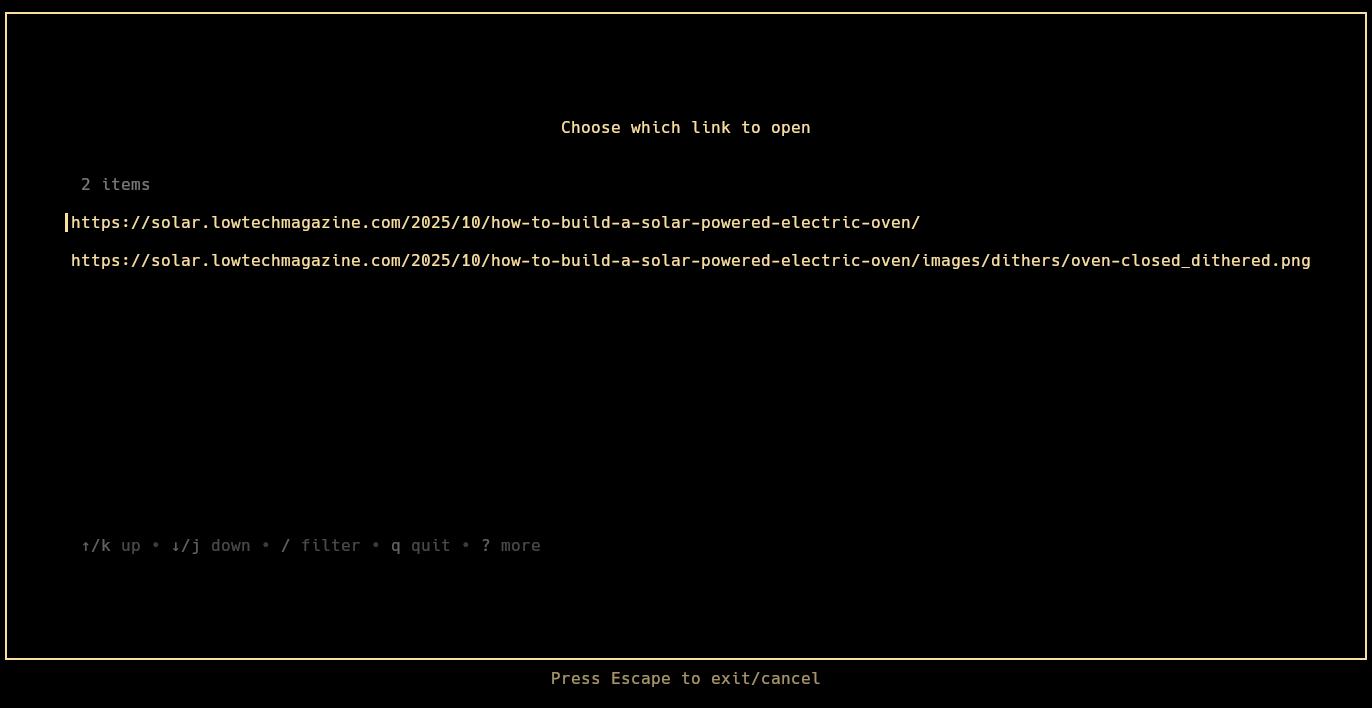
Select from the available links of an entry (most have only one, but podcasts often include multiple for a link to the mp3 file)
-
Press tab to change the selected pane
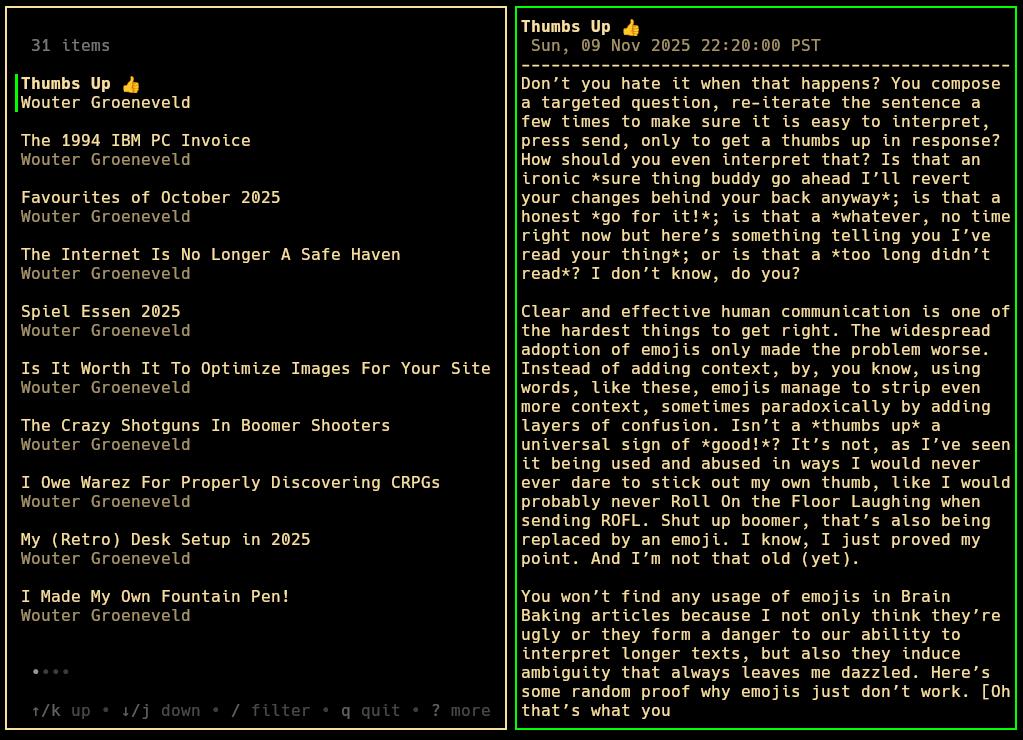
Scroll and read simple text posts within the feed reader
Config
A default configuration file will be generated on startup at $HOME/.config/feedie/conf.json, different configs or an alternate path can be used with the --config flag.
Most settings are just colors, the ones that are not will be detailed here
-
server (default: "http://localhost")
Address of the server hosting the Feedie server
-
port (default: ":2550")
Port the server is hosting on
-
thumbnailratio (default: 0.4)
ratio (0.0 - 1.0) of the height of the right pane which the thumbnail takes up
-
thumbnailpath (default: "/tmp/feedie-go")
Directory where any thumbnails will be downloaded
-
thumbnailscaler (default: "fit_contain")
options ("fit_contain", "contain", "crop", or distort)
Only used with the Ueberzug backend.
-
typeopener (default: {})
A map between types of links and what application will open them.
Example:
{
"text/html": "firefox",
"audio/mpeg": "mpv"
}
-
urlopener (default: {})
A map between regular expressions to match on URLs and what application will open them.
Example:
{
"(?i)(?:https?://)?(?:www\.)?(youtube\.com|youtu\.be)": "mpv"
}
-
defaultopener (default: "xdg-open")
default application for opening links, if not already matched
-
keys
-
addFeed: "a"
Adding a feed on the Select page
-
addTag: "t"
Adding a tag on the Select page
-
changeFocus: "tab"
changing the focused tab on the Entries page
-
cursorDown: "j", "down"
moving the cursor down on lists
-
cursorUp: "k", "up"
moving the cursor up on lists
-
delete: "d"
Deleting a feed or tag on the Select page
-
feedMenu: "m"
Returning to the Select page on the Entries page
-
filter: "/"
Searching on lists
-
modTag: "T"
Modifying the member feeds of a tag on the Select page
-
open: "enter"
Opening an entry or feed
-
openMenu: "o"
launching the links menu on the Entries page
-
quit: "Q"
Quitting the application
-
refresh: "r"
refreshing the list with the server
-
Other
- You can add feeds without launching the client's graphical mode with the --add_feed <URL> flag
Server
Configuration
All configuration is handled with environment variables.
-
FEEDIE_SERVER_PORT (default: 2550)
Port on which Feedie is served
-
FEEDIE_SERVER_REFRESH_RATE (default: 9000)
Time in seconds between when each feed is fetched for updates
-
FEEDIE_SERVER_DB_PATH (default: $HOME/.local/share/feedie/feedie.db)
Path for where the Sqlite database file is stored